Many businesses still manage clients through scattered emails, shared drives, messaging apps, and spreadsheets. While this approach may work at a small scale, it quickly becomes difficult to manage as the number of clients grows.
Important documents get lost in long email threads. Clients ask for files that were already sent. Teams spend unnecessary time searching for information or updating clients manually.
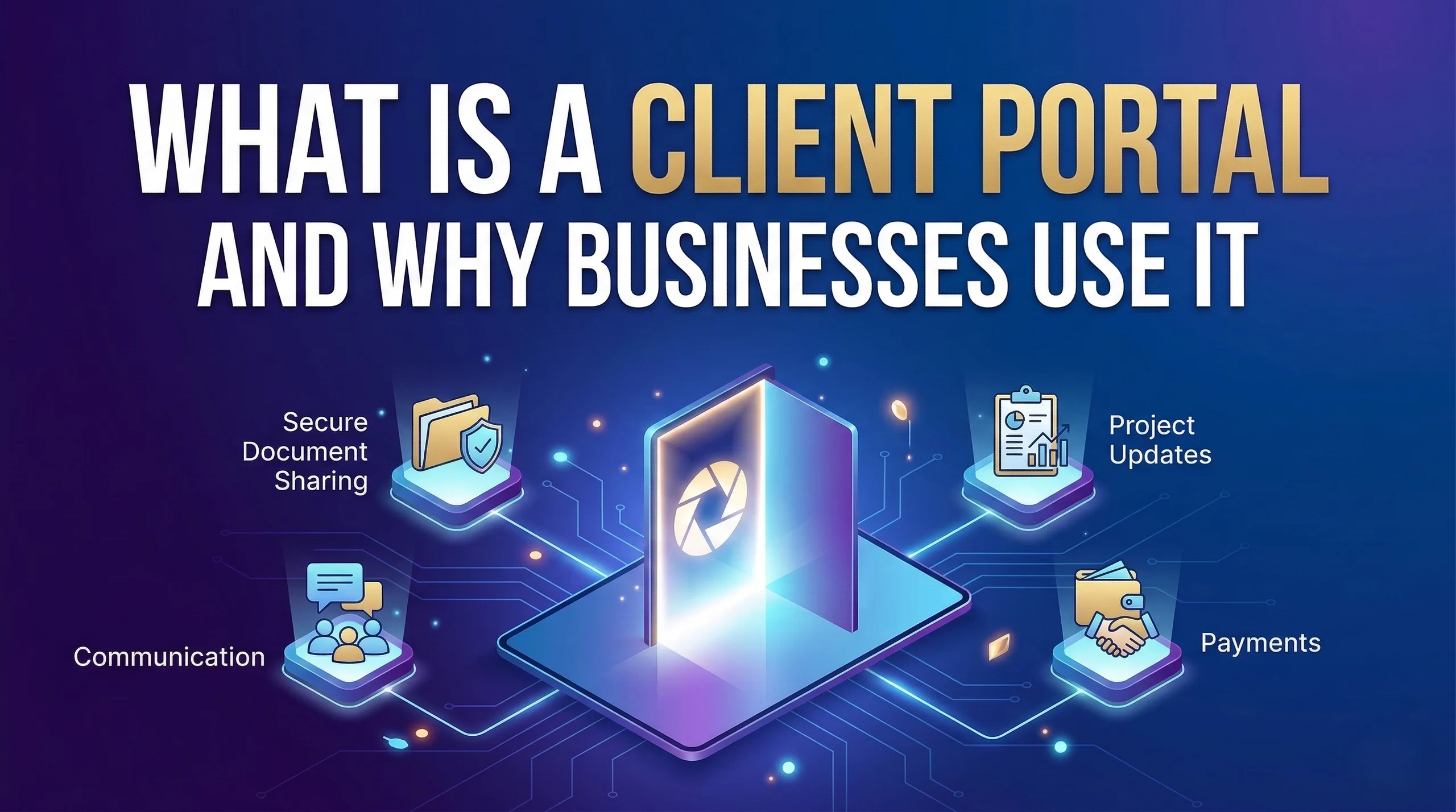
A client portal solves these problems by creating a secure online space where businesses and clients can communicate, share documents, and track work in one place.
Instead of relying on multiple tools, a client portal centralizes everything related to client interactions.
In this guide, we will explain:
- What a client portal is
- How client portals work
- The main benefits for businesses
- Common features of modern portals
- Examples of how different industries use them
- How businesses can implement one effectively
Understanding client portals can help organizations improve communication, increase transparency, and deliver a more professional client experience.
How TenG Spectrum Is Transforming the Digital Service Experience with Its All-New Client Portal
What Is a Client Portal?
A client portal is a secure online platform where businesses and clients can interact, share information, and manage work in a centralized digital space.
Clients typically access the portal by logging into a private account through a web browser. Once logged in, they can view documents, check updates, upload files, communicate with the service provider, and track progress on projects.
Instead of sending files through email or storing information across multiple systems, everything is organized inside the portal.
In simple terms, a client portal acts as a digital workspace between a business and its clients.
What Clients Can Access in a Portal
Depending on the business and the type of service, a client portal may allow users to:
- View important documents
- Upload files or forms
- Track project progress
- Send messages to the service team
- Review reports and updates
- Approve work or sign documents
- Access invoices or payment history
This creates a smoother workflow for both the business and the client.
Why Businesses Use Client Portals
Businesses use client portals to improve how they manage communication and information with their customers.
Traditional methods such as email chains and shared folders often become messy and difficult to manage. A portal organizes everything in one place.
Here are some key reasons businesses implement client portals.
Centralized Communication
A portal provides a single platform where clients and teams can exchange messages, feedback, and updates.
Instead of switching between email, chat apps, and shared documents, everything happens within the portal.
This reduces confusion and keeps conversations organized.
Secure Document Sharing
Many businesses handle sensitive information such as contracts, financial reports, legal documents, or project files.
A client portal allows documents to be shared securely using protected access and permissions.
Only authorized users can view or download files.
Better Client Experience
Clients appreciate having a simple way to access information related to their projects or services.
With a client portal, they do not need to request updates repeatedly. They can log in anytime and see the latest information.
This improves transparency and trust.
Reduced Administrative Work
Teams often spend time searching for files, answering repeated questions, or sending status updates.
A client portal reduces these tasks by making information available automatically.
This allows employees to focus on more valuable work.
How a Client Portal Works
Although the exact setup may vary, most client portals follow a similar structure.
1. Secure Login Access
Each client receives login credentials that give them access to their private account inside the portal.
This ensures that clients can only see their own information.
2. Personalized Client Dashboard
After logging in, users typically see a dashboard showing information related to them.
This may include:
- Active projects
- Shared documents
- Messages
- Reports
- Tasks or approvals
The dashboard acts as a central hub for client interactions.
3. File and Document Management
Businesses can upload files such as:
- Contracts
- Reports
- Proposals
- Project documents
- Invoices
Clients can view, download, or upload files depending on permissions.
4. Communication Tools
Many portals include built-in messaging systems or comment sections.
This allows discussions to stay connected to the relevant project or document.
5. Project Tracking
Some portals allow clients to track progress on projects through timelines, tasks, or milestone updates.
This helps clients understand the status of their work without asking for updates.
Do Small Businesses Still Need a Website? The 2026 Verdict
Key Features of a Modern Client Portal
Not all client portals are the same. However, most modern systems include several essential features.
Secure Authentication
Security is one of the most important aspects of a client portal.
Common security features include:
- Encrypted connections
- Password protection
- Two-factor authentication
- User permission controls
These features help protect sensitive client data.
Document Management
A strong portal allows businesses to organize and manage documents efficiently.
Features often include:
- File uploads and downloads
- Version tracking
- Organized folders
- Permission-based access
This ensures documents remain structured and easy to find.
Client Communication Tools
Built-in communication tools help keep conversations organized.
Examples include:
- Messaging systems
- Comment threads
- Notifications for updates
This reduces reliance on email.
Task and Project Tracking
Some portals include project management features such as:
- Task assignments
- Milestones
- Progress tracking
- Approval workflows
These tools help keep both teams and clients aligned.
Branding and Customization
Many businesses prefer portals that reflect their brand identity.
Customization options may include:
- Company logo
- Brand colors
- Custom domain name
- Personalized interface
This creates a more professional client experience.
Industries That Commonly Use Client Portals
Client portals are used across many industries where businesses interact regularly with customers.
Below are some common examples.
Law Firms
Law firms use portals to share legal documents, case updates, and secure messages with clients.
Clients can review files without visiting the office.
Accounting and Financial Services
Accountants often exchange sensitive financial documents with clients.
Client portals allow secure document sharing and financial reporting.
Marketing and Creative Agencies
Agencies use portals to share campaign reports, design files, and project updates with clients.
Clients can review work and provide feedback in one place.
IT and Software Services
Technology companies use portals to manage support tickets, software updates, and project documentation.
Consulting Businesses
Consultants often share reports, resources, and project updates through portals to maintain clear communication with clients.
Benefits of Using a Client Portal
Implementing a client portal provides several advantages for both businesses and their clients.
Improved Organization
All client information stays in one structured system.
Teams no longer need to search through emails or multiple tools.
Faster Communication
Clients can ask questions or provide feedback directly inside the portal.
This reduces delays and improves response time.
Better Transparency
Clients can see updates, project status, and shared documents anytime.
This reduces misunderstandings and builds trust.
Enhanced Security
Secure portals protect sensitive data better than email attachments or open file-sharing links.
Scalability for Growing Businesses
As businesses grow and manage more clients, a portal helps maintain organized communication and workflows.
Challenges Businesses May Face When Implementing a Client Portal
Although client portals provide many benefits, businesses may encounter some challenges during implementation.
Integration With Existing Systems
Some businesses already use multiple tools for project management, accounting, or document storage.
Integrating these systems with a new portal may require planning.
Data Security Concerns
Companies must ensure strong security practices are implemented to protect client data.
User Adoption
Employees and clients may initially resist adopting a new system.
Providing training and clear instructions can help with the transition.
Scalability
Businesses should choose a solution that can support future growth.
The portal should handle increasing clients, data, and activity without performance issues.
How Teng Spectrum Helps Businesses Grow Online | Websites, SEO & Digital Growth
Choosing the Right Client Portal for Your Business
Selecting the right client portal depends on several factors.
Businesses should evaluate their needs before choosing a solution.
Key questions to consider include:
- Does the portal provide strong security features?
- Is the interface easy for clients to use?
- Can the portal be customized with your brand?
- Does it integrate with existing business tools?
- Can the system scale as your business grows?
Answering these questions helps ensure the portal supports long-term operations.
A Different Approach to Client Portals
Many businesses rely on traditional SaaS platforms for client portals. These systems often charge monthly fees based on the number of users.
However, some organizations prefer having full control over their data and infrastructure.
A managed self-hosted client portal provides an alternative approach.
For example, solutions like Tengrity are designed to give service businesses a dedicated client portal deployed on their own server environment.
This type of setup offers several advantages:
- Full ownership of business data
- Greater privacy and control
- No per-user subscription costs
- A dedicated portal environment for the business
At the same time, the platform can still be managed professionally so businesses do not have to handle technical maintenance themselves.
For organizations that prioritize security and long-term scalability, this approach can be a practical option.
How Businesses Can Start Using a Client Portal
Implementing a client portal typically follows a few key steps.
1. Identify Business Needs
Determine what problems the portal should solve.
Examples include document sharing, communication, or project tracking.
2. Choose the Right Platform
Select a portal solution that fits the company's workflow and security requirements.
3. Customize the Portal
Add branding elements such as logos, colors, and domain names.
4. Set User Permissions
Define what clients and team members can access.
5. Train Teams and Clients
Provide guidance so users understand how to use the portal effectively.
A well-planned implementation helps ensure smooth adoption.
Conclusion
Managing client communication through emails, shared drives, and scattered tools can quickly become overwhelming.
A client portal provides a centralized solution that improves organization, communication, and security. It allows businesses to share information, collaborate with clients, and track work in a structured digital environment.
By implementing the right portal system, organizations can reduce administrative tasks, enhance transparency, and deliver a more professional client experience.
For service-based businesses looking to modernize how they interact with clients, adopting a well-designed client portal is a valuable step forward.
If you are planning to build a secure client portal or develop a custom digital platform for your business, TenG Spectrum can help. Our team designs scalable web solutions, including managed client portal systems like Tengrity, to help businesses streamline operations and improve client collaboration. Contact TenG Spectrum to discuss your project and explore the right solution for your organization.
Frequently Asked Questions
Find quick answers to common questions about this topic